




Get our apps: GeoShred Studio for macOS → | Naada Plugins for Windows →
 What's New in GeoShred?
GeoShred 7002 Oct 13 2026
- Fixed — Low V Porta Enable switched on over MIDI turned itself off again at the next note, so a recorded performance, or one played from a MIDI controller, lost its glide. A MIDI switch now stays where it was set, as a tap on the switch does.
- Fixed — with Low V Porta on, a pull-off back to the held note re-attacked instead of gliding when the performance was played back from a recording, played from another GeoShred over Connect, or played through GeoShred in a host such as Logic. The return now glides like the hammer-on did.
- Fixed — notes arriving from another GeoShred showed neither how high you tapped the key nor your Key Y motion. The note's bubble now starts at the height you tapped and follows your finger. From a controller that sends CC74 (a LinnStrument or a Seaboard), CC74 moves the bubble and pressure sets its brightness, as before.
- Fixed — on the Piano, Uniform and Janko keyboards, the indicator for a note from an MPE controller jumped between two heights. It now follows the same rule as the isomorphic keyboard: Y motion moves it, pressure brightens it.
- Fixed — the Setlists panel did not appear on Piano, Uniform and Janko presets. It was opening behind the keyboard.
- Changed — on the iPhone, the Setlists wheel and preset list are big enough to use. The panel now rises over the control surface: List | Wheel, search and the path sit in a column on the left, and the wheel or the preset list fills the rest at the full height of the screen.
- Fixed — the Setlists wheel took a second or more to open, long enough to look like the app had frozen. On the iPhone every open was slow. It now opens at once, the first time included.
- Fixed — GeoShred Studio: the first-run help could open half off the window. When the window changed size at launch, the help stayed where the old size had put it. It now follows any change to the window's size.
- Fixed — GeoShred Studio from moforte.com: at launch the trial panel flashed up over an instrument you own while GeoShred was checking your purchases. It now waits for that check, and shows only for instruments you don't own.
- Fixed — a quick grace note on a held GeoSWAM note you had slid to put the held note back where the slide started. Strike a note, slide to another, tap a grace note with a second finger and lift it: the held note came back at the note you first struck (often two semitones flat), and it stayed off as you kept sliding. It now stays where your finger is. Reported by Madan on GeoViolin; it affected every sustained GeoSWAM instrument.
GeoShred 7001 Oct 6 2026
- New — Raag Mohanam, the first factory setlist with its own backing track. Four presets voiced for Raag Mohanam — Naada Saraswati Veena-Mohanam, GeoBansuri-Mohanam, GeoViolin-Mohanam and Naada Sarangi-Mohanam — play over a veena backing track that comes with the setlist. Find it under Hybrid on the Setlists wheel. Each preset is also in its instrument's own setlist.
- New — a setlist's own backing track plays whatever the Backing Track scope says. While Raag Mohanam is the current setlist, its track is the backing track; the Backing Track panel shows the scope locked and reads “"Raag Mohanam": factory backing track. Plays in any scope; read-only.”. Volume and Loop still work. Your own Preset, User Setlist or Global choice comes back when you change setlist.
- Fixed — an open Backing Track panel did not follow a setlist or preset change; it now redraws.
- Fixed — the octave controls did nothing during an instrument trial. The keys played but octave up, octave down and the octave mode were ignored — the top-left flipper, the wheel-column +/− and the Piano and Jankó keyboards' own octave buttons. They now work while a trial is running.
- Changed — GeoSWAM Collection I & II & III & IV is "21 instruments for the price of 15" in the store (it said 14).
- Help — GeoShred Banks & Presets lists Raag Mohanam and its presets, and every preset's page now links to that preset's help and description.
- Fixed — the Pressure knob did nothing on thirteen Naada instruments. On Clarinet, Bass Clarinet, Suona, Guan, Nadaswaram, Shehnai, Duduk, Tenor Sax and Bari Sax it is now Growl; on Trumpet, French Horn and Harmonica it is Wah; on Acoustic Bass it is Pluck Tone.
- Fixed — the Flutter and Growl knobs on the GeoSWAM brass instruments were bound to names the instrument does not have, so turning them changed nothing. They now move flutter tongue and growl.
- Fixed — GeoShred Play and GeoShred Control: opening the Setlists wheel raised "App Error - wheel: image PianoKeyboardWheelIcon ... is not in the bundle". The four keyboard pictures are now in both apps.
- Changed — trying an instrument you don't own is now a trial: thirty minutes of playing time inside fourteen days, per instrument. The strip of build 522 has become a panel above the keyboard with the instrument's picture, the playing time and days you have left, a Preview of its video, Start Trial, Buy the instrument or its collection at the Store's prices, and a Store button. Starting a trial shrinks the panel to one row so the keys come back; Pause stops the clock, and so does leaving the instrument, sending GeoShred to the background, or relaunching — Continue Trial picks it up again with the time you had. The last thirty seconds say so; when the time is up the note you are holding finishes. Buying during a trial keeps the sound on. There is no daily limit any more: the thirty minutes are yours to spend across the fourteen days, which start the day you first try the instrument. The terms may still change after the instrument makers' review.
- New — the Setlists panel. The setlist control's disclosure now opens a panel over the right of the keyboard (the left two thirds stay playable) showing every setlist as a wheel of instrument families — moForte Guitar, GeoSWAM, Naada, Keyboards, Hybrid, GeoJamTrax, Our Favorites, MIDI OUT and your own User Setlists — or the same tree as a list. A wedge with a chevron opens another ring; a bank loads its setlist and shows its presets, with the breadcrumb and Back to return to the wheel. Search finds presets, setlists and families by name. The preset name button on the control surface opens that same preset list.
- New — try an instrument you don't own. A preset whose instrument is not in your collection no longer covers the keyboard with a blue box; a strip along the top of the keyboard names the instrument, offers it and its collection at their prices, and a Try it button plays it for five minutes a day for a week, counted per instrument from the day you first try it. A purchase during a demo keeps the sound on. The strip collapses to a chip; the terms may change after the instrument makers' review.
- Fixed — the first note after switching to a World Flute (GeoBansuri, GeoPan, GeoShaku, GeoWhistle, GeoSlide) was wrong — a breath hiss, or two octaves low, or a fourth sharp on GeoWhistle. The engine's first voice discarded the breath written before it and left the pipe on the wrong mode; the instrument is now primed silently when it loads.
- Fixed — the yellow "Preset help" video for every GeoSWAM III and IV preset. GeoSopranoSax presets played the GeoTenorSax preview, and the nine other new families had no video door at all. Every family preset now plays its own preview; the QT, PKB, UKB and Janko keyboard presets play that keyboard's app note.
- New — a backing track for the current setlist. Menu > Set Backing Track now has three scopes: Preset (saved in the preset, as before), User Setlist (new: saved in the setlist itself, so one track follows you through every preset in a set of songs) and Global (as before). A setlist track keeps playing as you change presets inside the setlist and stops when you switch to another setlist. Only your own setlists can carry a track; the factory setlists are read-only, and the panel says so.
- New — a "Reset to Default" button on the Global tab of Menu > Settings > Scale / Root. Once you had customized the global scale, the row read "Customize Scale ... (modified)" and nothing short of a full factory reset would take it back. The button clears the whole global override — scale, customization, root, temperament and octave — and returns the tab to what it shows the first time you switch to Global: the preset's scale, root and octave, Equal temperament, no customization.
- Changed — every GeoSWAM card in the Store plays its own preview video. GeoSlide and the four collection rows — Collection III, Collection IV, Collection III & IV and Collection I–IV — had shown a stand-in until their videos were cut. The GeoSWAM card in the Most Popular strip now offers Collection III & IV.
- Fixed — extra notes when a held finger wiggled, with Touch Velocity on and Quantization set to Piano. A finger that landed while another finger was moving was measured against the wrong key, so its first wiggle re-sounded its own note. Reported by Tony on the "MIDI Out Multi Mode 4" preset driving a piano app; it affected every instrument the same way.
- Changed — the version number is now a single number. GeoShred 7001 replaces 7000.389.1; the build number in parentheses still steps with every TestFlight round.
- Fixed — the Octave "Auto" setting now works on the Piano, Uniform and Janko keyboards. With Auto on, the isomorphic keyboard picks the octave that keeps each new note within a tritone of the last one; the three other keyboards ignored the setting and played whatever key was tapped, so a descending F5 D5 A4 phrase never folded down. All four keyboards now fold the same way and the piano window follows the octave. Notes arriving over MIDI — from a controller, another GeoShred or a host — fold too, without moving the on-screen octave.
- Fixed — the Piano Keyboard doubled every note when driving another app over MIDI Out. In the "MIDI Out MPE Mode 4 PKB" and "Multi Mode 4 PKB" presets, lifting a key re-sounded it and sent a second note-on: the released key was taken for a pull-off onto itself. A lifted key can no longer be its own pull-off target.
- Fixed — in the "MIDI Out MPE Mode 3 PKB" preset, notes played from the Piano Keyboard rang on in the receiving app. The note-on went out on the MPE manager channel and the matching note-off was refused as out of range. Notes now go out on a member channel, and every note-off follows the channel of its own note-on.
- Fixed — key pressure from a MIDI controller could reach the wrong of two held notes. Each pressure message on a held key added another copy of that note to the list that routes expression, so a note's stale copies could sit above the other held note. One entry per held key now.
- Fixed — sustained GeoSWAM instruments no longer re-articulate on a pull-off. Winds, brass, the World Flutes and bowed strings played arco re-sounded the note underneath when a hammered-on finger lifted, and slid down onto it — "it sounds like a synthesizer". With Low V Porta Enable off, the held note simply keeps sounding. With it on, and always from a MIDI controller or the Piano Keyboard, the return is played legato at the lifted finger's velocity, the mirror of the hammer-on.
- Fixed — the second note of a legato phrase went silent when the first finger lifted. A regression in build 501: a finger that rolled across a row as it lifted was taken for the finger still holding the note, so its lift silenced the note that should have kept sounding.
- New — Low V Porta Thresh. Every GeoSWAM instrument's Expert page now has the velocity below which Low V portamento glides (default 0.5). Below it the engine gives its longest glide for the current Portamento setting; at or above it, no glide. The Naada instruments already had this control.
- Fixed — on the World Flutes, Low V Porta Enable could turn portamento off but never back on. The World Flute presets now ship with a 0.7 second portamento time, and the switch reads "Low V Porta Enable" everywhere — the presets, the Expert page and the help had three different names for it.
- Fixed — the keyboard no longer offers keys an instrument cannot sound. GeoTubaEb and GeoFlugelhorn declared ranges wider than their engines, and the five World Flutes claimed all 128 keys, which left about seventy keys live and silent on every World Flute preset. Every GeoSWAM range was measured from the engine and corrected, and the top key of GeoFlugelhorn, GeoPizzBass, GeoBassFlute, GeoFrenchHornBb and GeoSopranoSax now ends on the last labelled key. The Instrument Ranges table in the help is generated from the same data.
- Fixed — the Mute control on GeoFlugelhorn, GeoFrenchHornBb and GeoTubaEb read 0 to 4; it now reads Off, Straight, Harmonic, Cup and Hand, as on the trumpet.
- Changed — World Flute voicing. The GeoShaku and GeoBansuri presets ship with Overblow, Hiss and Flutter on, and the GeoTubaEb, GeoFrenchHornBb, GeoSopranoSax and GeoWhistle presets start in a better octave.
- New — the GeoSWAM III and IV instruments are in the Store. Each of the ten can be bought on its own, or as Collection III, Collection IV, Collection III & IV, or Collection I–IV. Nine of the ten instruments play their own preview video from their Store card; GeoSlide and the collection rows show a stand-in until their videos are cut.
- Note for TestFlight testers — builds 501 and 502 marked every GeoSWAM instrument as purchased. Build 503 and later correct that once, on first launch: the GeoSWAM III and IV instruments and collections show as unpurchased until bought. GeoSWAM I and II purchases are untouched.
- Fixed — a half-filled ownership dot on every family you own in the Factory Setlists menu, while the mixed setlists (Strumming, Diatonic...) showed full. Ownership is now judged live instead of from a cache that could be caught mid-update. On iPad there was a second cause: one preset in each family's Janko Keyboard setlist could not be found, so it would not load either — sixty preset files were named in capitals.
- Fixed — opening the Setting panel of an instrument you have not purchased crashed the app. It now offers the Store, as loading the preset does.
- Fixed — a preset with an instrument you have not purchased could still play from a MIDI controller. It is now silent over MIDI as it is on the keyboard.
- New — double-tap the trace window's title strip to fill the keyboard area; double-tap again to restore its previous size.
- Fixed (GeoShred Studio) — a thin black line across the window, visible through the Store's "Installation complete" notice. It was the Mac's title-bar divider, now switched off.
- New — the GeoSWAM III and GeoSWAM IV instruments. GeoSWAM III adds GeoSopranoSax, GeoFlugelhorn, GeoTubaEb, GeoFrenchHornBb and GeoBaritoneSax. GeoSWAM IV adds five World Flutes built on the SWAM VariFlute model — GeoBansuri, GeoPan, GeoShaku, GeoWhistle and GeoSlide. Each one comes with its own factory bank of presets.
- Fixed — the World Flutes no longer sputter. GeoBansuri, GeoPan, GeoShaku, GeoWhistle and GeoSlide chopped and guttered on almost every note played from the isomorphic keyboard, while the same presets sounded clean from the Piano Keyboard. The flute model was being retriggered by the tiny continuous pitch bends your finger makes on the isomorphic surface. Those bends now reach the model the way it expects, so notes sing and still bend.
- Fixed — World Flutes played from an external MIDI controller no longer starve. A World Flute note played into GeoShred from a MIDI keyboard or a wind controller faded away about half a second after it started, because the breath never reached the flute model. Expression now reaches the model, so incoming MIDI notes sustain and follow the controller.
- Fixed — stuck notes when a MIDI keyboard plays a Naada instrument in a host. Playing a Naada instrument from AUM's own keyboard, or from any controller sending on the MPE manager channel, could leave notes ringing forever. The note-off now releases the voice that is actually sounding.
- Fixed — GeoPizzBass Play Mode. The Expert page showed Play Mode as arco while the instrument was really playing pizzicato, and choosing arco did nothing. Play Mode now reflects what the instrument is doing, and switching between pizzicato and arco works.
- New — Solfege (Ti) and Solfege (Si) note name fonts. Menu > Settings > Note Name Font now offers both spellings of the seventh degree. The old "Solfege" is now "Solfege (Ti)"; your saved choice is unchanged.
- New — World Flute Expert controls. The World Flutes now carry the same switches as GeoFlute: Hiss, Flutter, Overblow and Portamento, each with its own on/off button so a control can be taken out of the sound entirely.
- Changed — Reverb Mix is gone from the instrument Expert pages. GeoShred has its own reverb in the effects chain, and that is the one to use. One preset, "Madan Pisharody Divine Bansuri", is slightly drier as a result.
- Fixed — the instrument help pages now list the controls the app actually has, with their real ranges and default values.
GeoShred 7000.386.1.500 Aug 28 2026
- New — "Artiphon Chorda" MIDI configuration. Pick it in Menu > MIDI (in a plugin host, pick it in each GeoShred instance's own Menu > MIDI and save your session). The Chorda's Spin and Move gestures used to silence GeoShred — Spin (CC 112) triggered GeoShred's panic and Move (CC 113) drove the Expression Pad, turning Bow Pressure and similar controls down to nothing. Both gestures are now blocked, and the configuration sets the 48-semitone pitch bend range the Chorda expects.
- Fixed — Aftertouch from a conventional keyboard no longer leaves Expression stuck at the bottom. After a key with aftertouch was released, Expression (and any other control the aftertouch moved) stayed wherever the release left it, so the next note played almost silently until you pressed hard again. The next note or phrase now starts from the values you had before the aftertouch.
- Fixed — The "Panic on CC 112" switch in the MIDI configuration editor now actually turns the panic off. It used to display OFF while the panic stayed on, and switching it off could never take effect.
- Fixed a newly added plugin instance now starts on the MIDI configuration you last chose in the plugin, instead of silently reverting to "AU MPE".
- Fixed — Answering "No" to the iCloud Drive question no longer imports files from iCloud. Declining on first launch used to quietly copy presets and setlists from your iCloud into the device anyway.
- Fixed — A deleted installation's iCloud Drive setting could sneak back after reinstalling. iOS can hand a freshly installed app leftover settings from a deleted one; GeoShred now detects this and starts truly fresh. Because of this, GeoShred asks the iCloud Drive question once after this update — answer YES to keep syncing exactly as before.
- Fixed tapping "Learn more" on the iCloud Drive question no longer dismisses it forever — you will be asked again on the next launch.
- Fixed the panic (squelch) button no longer clears the selected strum chord.
- Fixed the plugin's playing surface only reserves an edge-swipe margin when it actually sits at a screen bezel, so hosted windows no longer waste that strip.
GeoShred 7000.383.1.497 Aug 23 2026
- Fixed GeoPizzBass going silent and reverting to "not purchased" even after Restore Purchases
- New — Three new playing surfaces. A preset can now be saved with one of four keyboards: the Isomorphic grid, the Piano Keyboard, the Uniform Keyboard and the Janko Keyboard. Pick the type at the top of Menu > Keyboard.
- New — All playing surfaces now support Touch Velocity! Touch Velocity uses iOS/iPadOS device's Accelerometer to measure how hard you tap a note. How hard you tap a note is directly converted into MIDI velocity.
- New — All the new playing surfaces support MPE. This means that the Piano Keyboard is an MPE keyboard, the Uniform Keyboard is an MPE keyboard and the Janko Keyboard is an MPE keyboard
- New — Asymmetric pitch bend range is now supported for all playing surfaces. For instance, your pitch bend range up could be 24 semitones and your pitch bend range down could be -12.
- New — GeoJamTrax backing tracks including: Ode To Pink (Uniform Keyboard), Dirt_Blues, Todd Is God (Piano Keyboard), Tribal, Easy Street, Be-Whole(Janko Keyboard)
- New — Three new factory setlists — PKB Keyboard, UKB Keyboard and JANKO Keyboard — 50 presets each one for each instrument type and MIDI Out type
- New — Multi-select import. The import file picker now lets you select many presets and setlists and import them all in one go.
- New — MIDI Visual Feedback of incoming-note indicators now show both expression axes at once: vertical (CC74) motion moves the indicator up and down while pressure brightens and darkens it — the two no longer fight over the display
- New — The Naada plucked-string keyboard presets have a Mono button for legato playing, so you can switch without opening Performance Settings.
- New — Strum zones can be turned on and off individually. Double-tap to enable or disable each of the Chords, Strum and Keyboard zones; the remaining zones resize to fill the space, and re-enabling restores your original layout exactly.
- New — The standalone GeoShred Studio window is resizable, holding a constant 4:3 aspect ratio as you drag it. Launch and resize flicker are fixed, and the keyboard no longer lays itself over the chord and strum zones after a resize.
- New Connect Send can keep the sending device's audio on — a MIDI configuration option, so you can hear both instruments
- GarageBand tip: for recording the new keyboards, use the MPE Channel Mode MIDI configuration — and make sure GarageBand's Support MPE setting is turned on (recent GarageBand updates turn it off).
- Fixed for MPE. Chords on the manager channel are now rendered polyphonically per the MPE spec.
- Fixed — Importing setlists now improved.
- Fixed user setlists could disappear — several internal cleanup paths could delete a healthy setlist (especially with iCloud Drive on, where the deletion spread to all your devices); all of them are now guarded
- Fixed turning iCloud Drive off no longer silently leaves behind files that had not finished downloading — GeoShred now requests their download and tells you exactly which files are still in iCloud
- Fixed hammer-on/pull-off from external MIDI controllers (e.g. LinnStrument): pull-offs now sound — previously only the hammer-ons did
- Fixed — Big improvements for the LinnStrument and similar controllers in "Channel Per Row" / per-channel MIDI configurations. Sliding a note while holding another note on the same row now plays as one smooth, continuous slide — the controller's quantized "Smart MIDI" slide steps are now decoded — instead of stuttering re-triggered notes
- Fixed an incoming MIDI note outside the keyboard's visible range now flashes its string yellow instead of being drawn at the wrong position
- Fixed rapid same-row trills through the MPE Channel Mode configuration (LinnStrument and similar) — new notes no longer play silent when the controller sends a momentary zero pressure
- Fixed Improved Legato Behavior for all instruments
- Fixed monophonic GeoSWAM presets now show incoming MIDI notes on the correct rows (previously just a repeating yellow flash)
- Fixed Improved MPE behavior for recording to a DAW
- Fixed GeoShred Control no longer displays MOTD in a plugin host
- Improved volume levels for the Naada Oud, Naada Acoustic Guitar and Naada Acoustic Bass
- Fixed Correct tuning for the resonator for the Naada Rudra Veena and Saraswati Veena presets
- Fixed Sustain pedal: releasing the pedal no longer cuts off keys you are still holding, other improvements for Sustain
- Fixed changing the guitar instrument no longer resets your customized Release Time and related settings, and the previous instrument no longer keeps ringing through the switch
- Fixed Control-surface picker menus are now grouped and ordered, with duplicates removed.
- Fixed Incoming MIDI pitch bends now correctly follow the selected temperament
- Fixed MPE pitch-wheel and member-channel bends now combine correctly
- Fixed the Store and close (X) buttons overlapping in the main menu
- Fixed missing pan controller for the GeoSWAM instruments
- Fixed Naada tremolo playing while in the preset editor
- Fixed Naada coarse tuning being disrupted by a global tuning change and restore
- Fixed tuning errors for SWAM and Naada instruments on microtonal scales (Hijaz, Byzantine)
- Fixed Pitch bends now stay in tune during tempered slides on SWAM and Naada instruments
- Fixed Corrected bad tuning (ET-diff) values in the scale library, including two broken Balinese scales
- Fixed Custom temperament editor: 3-decimal ET-diff precision, with editing correctly locked in quarter-tone mode
- Fixed user setlists not restoring correctly when reloading a DAW project
- Fixed GarageBand (iOS) not persisting the preset/setlist across a project reload
- Fixed MIDI configurations now stay put across preset changes in the iOS/iPadOS plugin
- Fixed hammer-on/pull-off (HOPO) note handling
- Fixed the Review button in Help
- Fixed issue where pitch bend range was incorrect for the plugin
- Fixed — GeoShred Control could trap you on the intro page with no internet connection. The page's only button opens the store, which needs a network, so with no connection there was no way into the app at all. Tapping More... offline now explains that the store needs a connection and takes you straight to the playing surface — you can visit Menu > Store to upgrade once you are back online.
- Fixed — The GeoShred Control AUv3 plugin no longer shows the upgrade page every time you reload a host project. It also can no longer take the plugin down with it: tapping More... in a host used to switch to the standalone GeoShred Control app, which backgrounds the host and left AUM (and others) reporting "Audio Unit plugin invalidated".
- Fixed — Notes no longer die mid-phrase when iOS interrupts a touch. When the system withdraws a touch — palm rejection when two fingertips merge on one key, or a system gesture like a multi-finger swipe — GeoShred used to silence every note you were holding and could leave stray touch indicators ("stars") stuck on the keyboard. Now only the interrupted touch ends, exactly as if that finger had lifted: your other held notes keep sounding and nothing is left behind on screen.
GeoShred 7000.327.1.436 Jun 15 2026
- Fixed a pitch glitch when playing SWAM instruments via MPE
- Fixed a licensing issue where a suspended duplicate license could disable your active license
- Presets with invalid microtuning offsets (ET-DIFFs) are now automatically repaired when loaded
- Custom Scale editor: added in-app help, clearer explanations of the constraints on each cell, and restyled to match the new menus
- Fixed user setlists not restoring correctly when reloading a project in your DAW (the plugin's Setlist parameter)
- GeoVariFlute variants now load the correct per-brand factory preset
- GeoShred Studio (Mac): the update notice now waits for your first menu tap instead of interrupting launch; refreshed the store support guide
- GeoShred Studio direct-download: added a launch-time update check and shows the build and date in the account portal
- Rebaked the factory preset layouts after a preset-conversion padding fix
GeoShred 7000.293.1.401 Apr 17 2026
- New Polkadot quarter-tone key style with on-device renderer
- Polkadot Pattern designer: free-form color picker, sticky preview, stroke/drop shadow, label circle size, help
- Import/Export of Polkadot patterns for sharing
- New QT (quarter-tone) Keyboard Presets
- Added Shred Lead QT to Favorites
- Quarter-tone vertical guide lines through key centers, with "Show 1/4 Tones" Settings toggle
- Fixed Seaboard / MPE: two channels no longer fight on the same string
- Fixed per-channel strum controller send for Naada effects
- Updated Settings help
- Revamped main menu
- Improved handling of mono mode intervals/poly expression/arpeggiator for MIDI in
- Proper indication of connect send/receive state after reloading DAW projects
- Optimized plug-in performance for multi-instrument projects in DAWs
- Fixed custom scale temperament truncation when shift exceeds 50 cents
- Fixed mouse hover crash in VST3/AUv2 plugin wrapper
- Fixes to echo looper machine state
- Fixed grid change detection on temperaments with large etdiffs
- Backing track now plays in GeoShred Studio upon request via MIDI in
- Fixed MPE manager channel expression routing in Pad Mode
- Fixed octave rounding note-off mismatch
- Fixed Naada strum resonance strings playing wrong key on root change
- Fixed SWAM coarse tune reset on scale change
- Fixed stuck note handling improvements
- Fixed expression pad visual cursor not updating on MIDI input
- Fixed Connect/Receive preset changes not persisting in DAW project saves
- Fixed Connect/Receive MIDI configuration reverting to AU MPE on project reload in Ableton Live
- Per-track MIDI configuration support
- All MPE presets now respond to CC2, CC4, CC11
- Disabled legato button for SWAM/Naada instruments
- Added Reset button to backing track
- Fixed Music Library access alert text
- Disable Edit button in MIDI mapping view when Learn mode is active
- Improved help system for web and in-app
GeoShred 7000.213.1.323 Jan 18 2026
- Added preset help for Naada and GeoSWAM instruments
- Fixed problem with initial expression on Naada instruments
- Fixed problem with help bubbles not going away
- Add disclosure graphic to preset and setlist buttons
- Indicators to show ownership of presets
- CC80/81/82 show octave, auto octave, mini control surface changes on MIDI-In. CC82 only for iOS
- Better handling of app store review
GeoShred 7000.201.1.311 Dec 5 2025
- Better fix for preset/setlist association in the plugin
GeoShred 7000.198.1.308 Dec 2 2025
- Fixed problem with preset/setlist association in the plugin
- Fixed in plugin with poly mode and single channel MIDI configuration
- Improvements to Naada IV presets and new Naada library
GeoShred Version 7000.180.1.290 Nov 16 2025
- Support for Naada Collection IV instruments and presets
- Fix for Turkish Hijaz Maquam
- Fixes to the meditation presets
- Two new GeoJamTrax from Jordan Rudess
- Fix for recording problem in Garage Band
- Fix some errors in scales
- Updates to Arabic and Turkish Scales
- Fixed issue with HOPO (Hammer On Pull Off) not working in Pad mode
- Fixed display problem with "backside details" on stomp boxes
- Improvements to coarse tune RPN handling - it was too simple
GeoShred Version 7000.155.1.265 Oct 6 2025
- All "Meditation" presets have Drone enable on by default.
- Fixes for course tuning
- Added AUv2 for GeoShred Studio for legacy DAWs
GeoShred Version 7000.149.1.261 Sep 30 2025
- Remember channel pressure on each MIDI channel
- Global Scale/Root now returns to preset's setting
- Improvements to MIDI mode 3 handling for MIDI output
- MIDI input visualization on GeoShred keyboard
- Fixes to RPN handling, use time-stamped MIDI messages
- Improvements to Naada library.
- Better language translation in help
- Support for beta VST3 plugin wrapper
- Better scales and help
- Better pitch bend handling in MPE mode
- Better voice allocation handling for SWAM plugins
- Better handling of out of bounds touches
GeoShred Version 7000.100.1.211 Jun 27 2025
- Added 3 new drones to the custom chords
- Tracing improved for multi threading
- Include sample rate, samples per block in problem report
- Switch naada to mono+polyphony in plugin if in single channel midi config
- Zivix promo support
- Got rid of course tuning for the Veenas, but provided a single preset for each Veena with a course tuning stepper
- Improved MPE documentation
- Updated Naada Library
- Improvements to loading time for Naada presets
GeoShred Version 7000.92.1.192 May 5, 2025
- In MPE Mode, CC messages send to the Manager Channel are now correctly forwarded to all Member Channels.
- In MPE Mode, the pitch bend sensitivity for the Manager Channel is now 2 per the MPE Spec.
- Some MIDI Out presets were not sending RPN 6,0,1,2. This is fixed.
- GeoShred was sending CC-123 was in some cases, causing target synths like Ravenscoft to preempt envelopes.
- MIDI Clock for virtual MIDI is now working correctly coming from some apps.
- MIDI Out Ul Stepper is now correctly using it's Lookup Table (aka Curve, aka LUT)
- Support for JUCE 8
- Updated SWAM models
- Updated Naada models
- MIDI in pitch bend glitch (eg: velocity keyboard -> SWAM)
- Disallow out of range MIDI channels on input
- MIDI in triggering of sympathetic resonator
- Stuck note problem on single channel MIDI in for Naada instruments
- Fixed ramp on Expression pad mappings
- MIDI in pitch bend problems fixed on Roli Rise
- Fixes for sustain pedal
- Fixes for legato and sliding
- Fixed MIDI channel confusion for some mono mode presets
- Added 12-string strumming.
- Automatically add CC 73 to midi mapings for strum.
- Better handling of MIDI channels and pitch bend
- Send CC 123 in some cases where it wasn't being sent
- Better tracing in plugin
- Store opens from plugin again.
- Fixed some threading problems that were sometimes causing a crash
- Disallow out of bounds touches (was causing chirps)
- Updates to some scales.
- Fixed SWAM hopo problems
- Lowered Naada ensemble levels
- Optimized preset load time for Naada instruments, ensemble size now changeable on the fly
- Fixes for MIDI mode 3 out (poly mode)
- Fixed various touch problems in Naada
GeoShred 7000.87.1.187 April 20 2025
- Numerous stability fixes
GeoShred 7000.30.115 Dec 8 2024
- AU parameter improvements around initial values and persistence.
- Stability improvements when switching presets, crashes much less.
- Expression handling fixed: orphaned notes retain expression
GeoShred 7000.8.1.69 - Oct 29 2024
- MIDI configuration persistance handled better.
- Curves update on control surface knobs in response to MIDI In.
- MIDI configuration not written unless changed.
- Strum Chord Hopo works again.
- Consolidation of single channel MIDI configurations and better remapping for foot controller, expression and breath
- Now responds to RPN 0, RPN 1, and RPN 2 on MIDI In.
- Fewer crashes when switching presets in plugin.
- Numerous preset fixes and rationalization.
- Removed redundant MIDI configurations.
- Fixed problems around Expression Y MIDI Controller mappings.
- Better onboarding for GeoShred Control.
- Fixed problems in Naada with mono mode.
- Added Polyphony to Naada instruments.
- Added trace for bank select and program change on MIDI In.
- Fixed redraw of keyboard when octaves switch.
- Bullet proof against writing of NaN into GeoShred presets.
- Better Naada legato handling from single channel MIDI controllers.
- Better handling of iCloud Drive synch.
- Fixed MIDI program change from stepper.
- Selecting instrument on the guitar inspector works better.
- Added tremolo controls to many Naada presets that did not have it.
- Fixed out of real-time bouncing, major rework of audio callback.
- Better handling of MIDI out and temperaments.
- Better low strings on Naada Carnatic Violin.
- Fixed problem with imported curves not sticking.
- Removed irrelevant macOS menus, wired up help menu to GeoShred help.
GeoShred 7000.7.1.30 - Sep 24 2024
- Updated help, new "Quick Start" videos at launch and other improvements.
- Improved store.
- Guitar scrape now works properly again
- Better handling of 3D touch and legato
- Fixed problems with MIDI out ranges on sliders/knobs/steppers
- Fixed recording problem with SWAM woodwinds.
- Improvements in legato handling.
- Improvements to MIDI configuration editor and MIDI device handling.
- Open in Browser button in help and other help improvements.
- MIDI configurations handled separately between plugin and standalone.
- MPE MCM message handling improved.
- Fixed a problem with curves not tracking input properly.
- Fixed a problem around animation timer not being properly turned off.
- Fixes around Channel Pressure (Channel Aftertouch) in some factory presets.
- Flying sliders now work fter closing the control surface editor.
- Fixed some search problems in the preset/setlist menus in the plugin
- Pinch harmonic on release now respects coarse tuning.
- Whammy semitones now added if source is not whammy.
- Fixed off-by-one MIDI channel problem around pitch bend on ending note.
- Fixed problem with strum view obscuring other views.
- Fixed a problem with restore purchases that was causing a crash.
- Report problem now asks user to export the zipped report from Files
- then email it to moForte support.
- Fixed problems with RPNs not being sent to MIDI out.
- Fixed problem with steppers not working properly.
- Fixed problem with guitar coarse tune.
- Fix for Linnstrument and Rise voice allocation.
- Fixed problems in factory presets with duplicate controller assignments
- Allow poly expr on any channel in mono mode.
- Fixed problem with channels fighting on MIDI input.
- Fixed window resizing problems in the plugin.
- Show scroll bars on preset and setlist editor.
- Some problems fixed in Naada Duduk
- Improvements in suppressing "weasel/badger" notes.
- Problems fixed with MIDI out ramp and set value on release.
- Faster preset switching and better iCloud sync.
- Improvements to preset picking in setlist editor.
- Scale pick sent to MIDI out, but limited to first 127 scales.
- Root pick sent to MIDI out.
- Fixed problems with multiple delays stacked on a control surface button.
- Fixed problem around CC-74 that surfaced with the Tibetan Bowl preset.
- Fixed problem with octave rounding and midi out.
- Fix cosmetic problem in Key Step editor.
- Removed SWAM MIDI channel 1 restriction.
This is GeoShred!
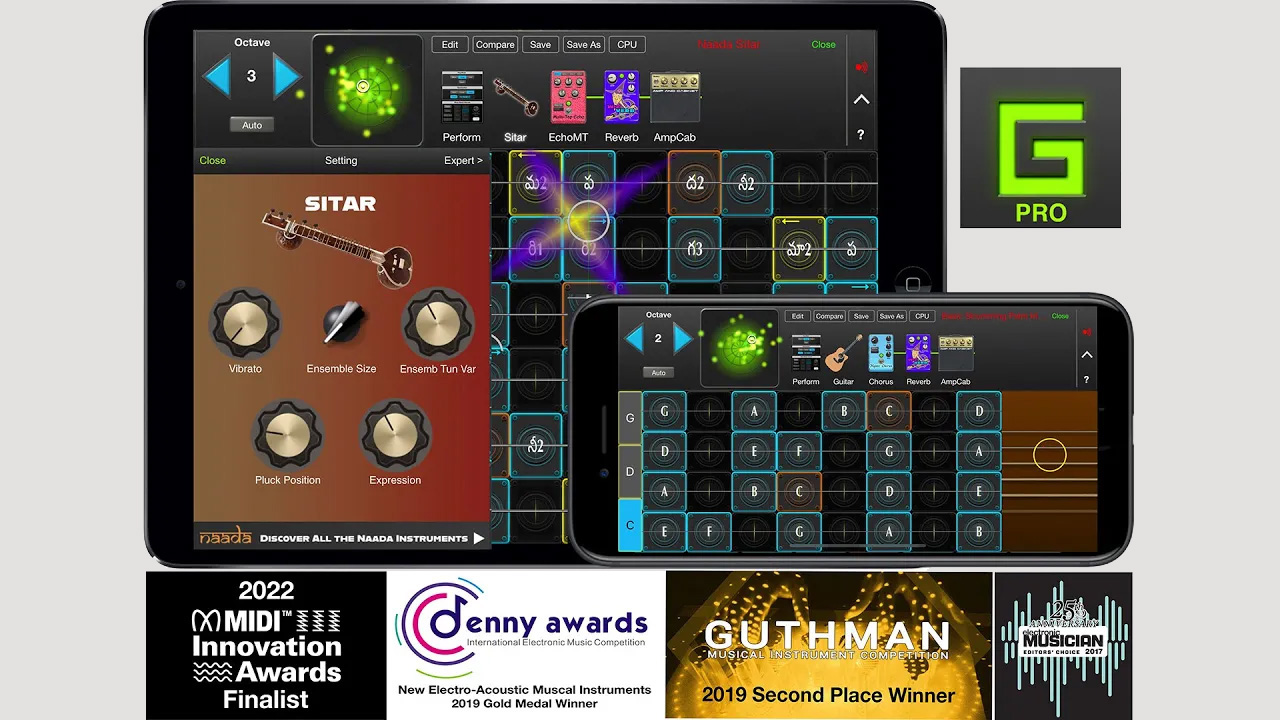

About GeoShred 7
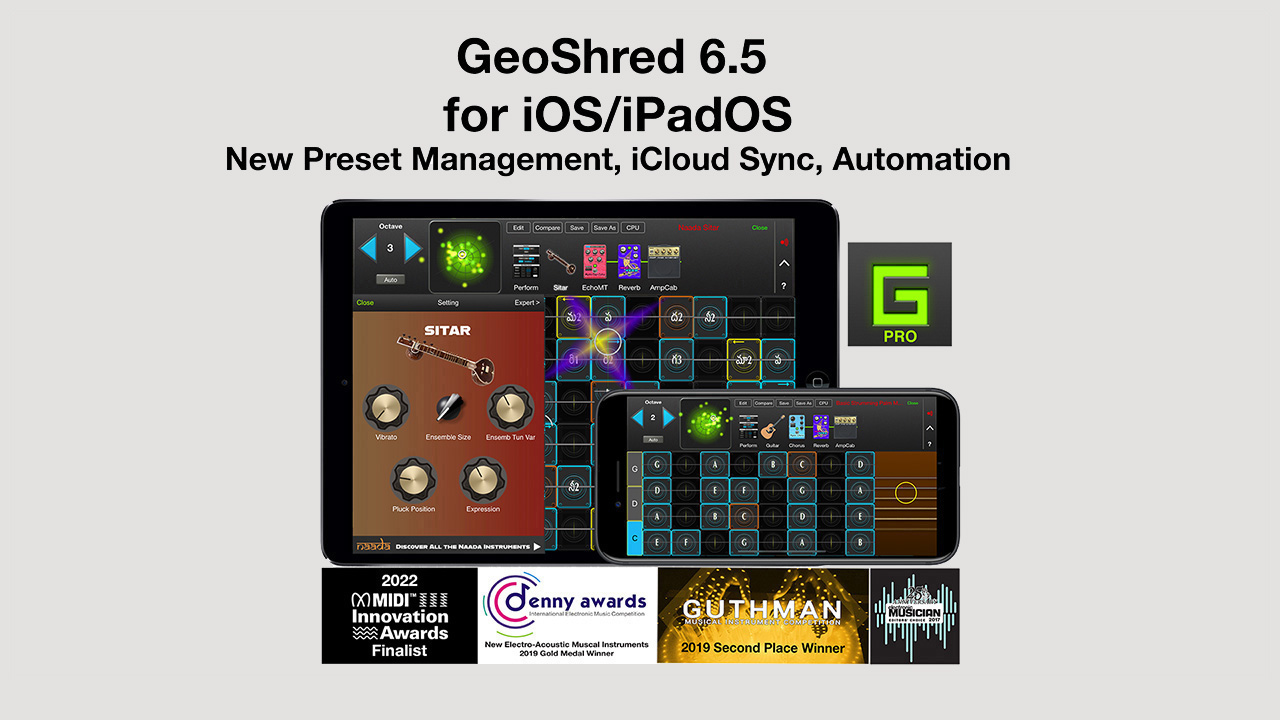
About GeoShred 6.5
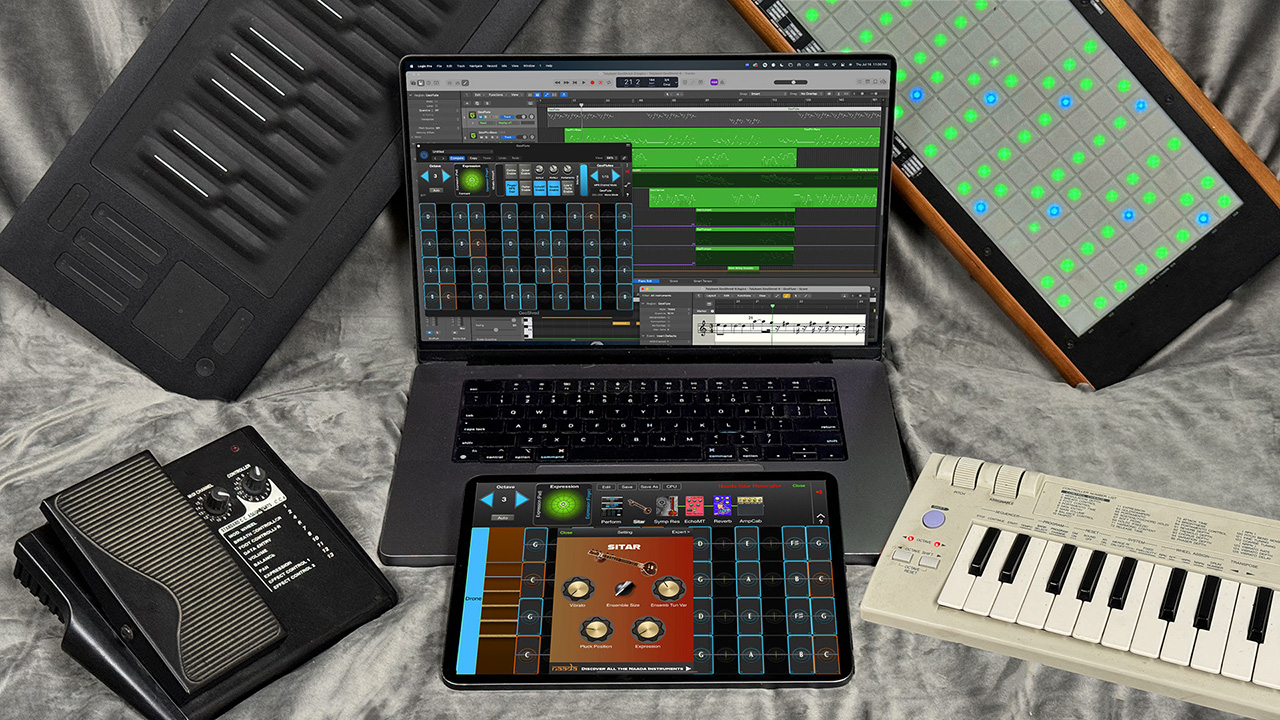
About GeoShred 6
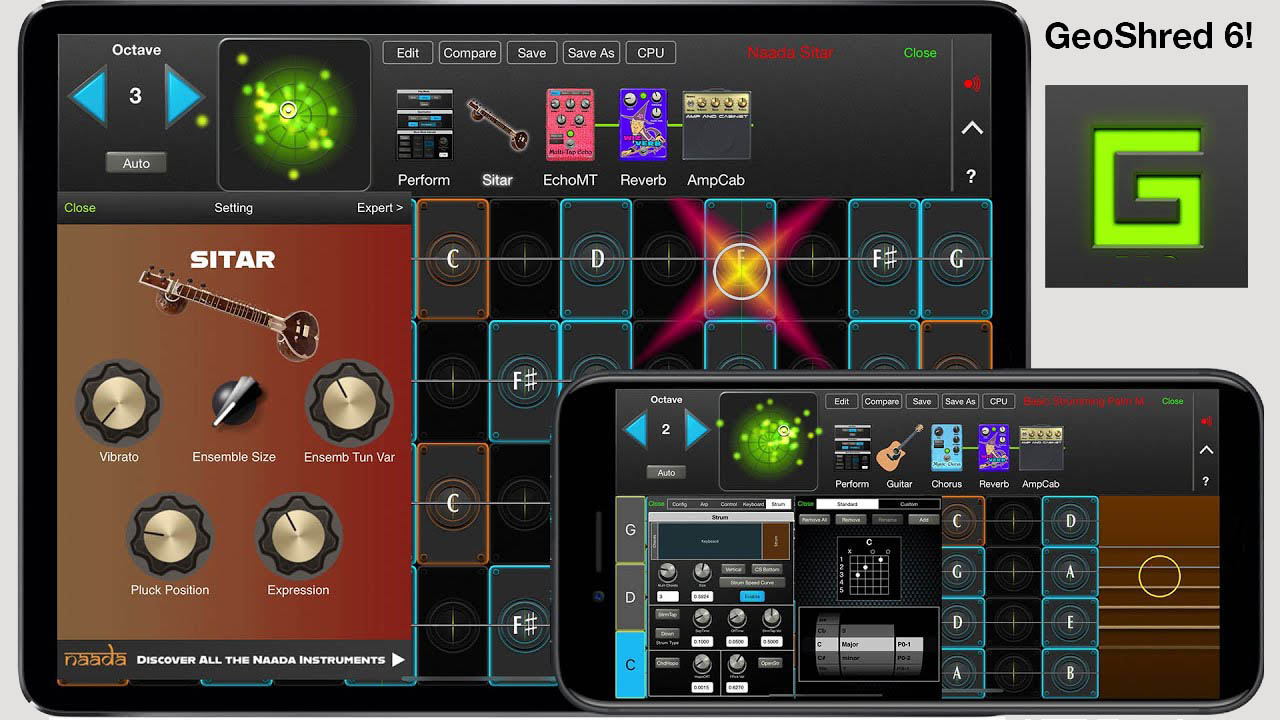
Thank you for your support and interest in GeoShred which includes In-App-Purchases (IAPs) for the GeoSWAM and Naada Instruments.
p>Here is some information to help you get started:Getting Started with the GeoSWAM Instruments
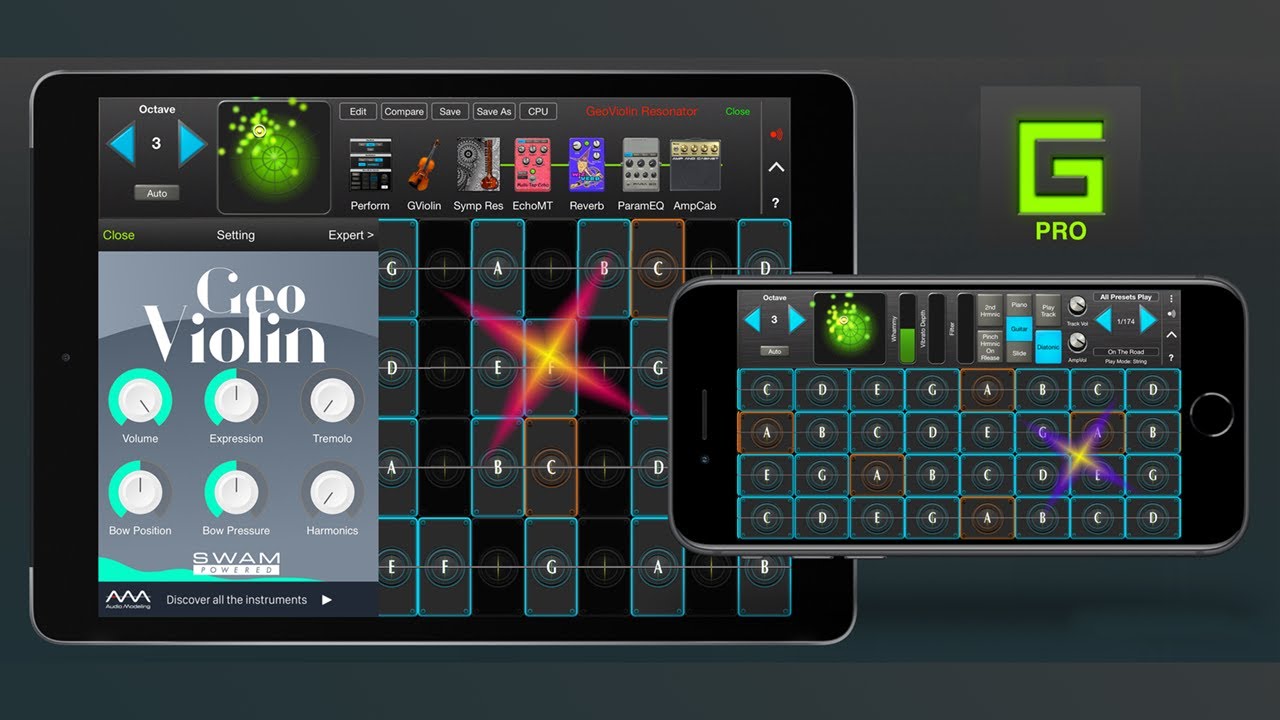
Getting Started with the Naada Instruments
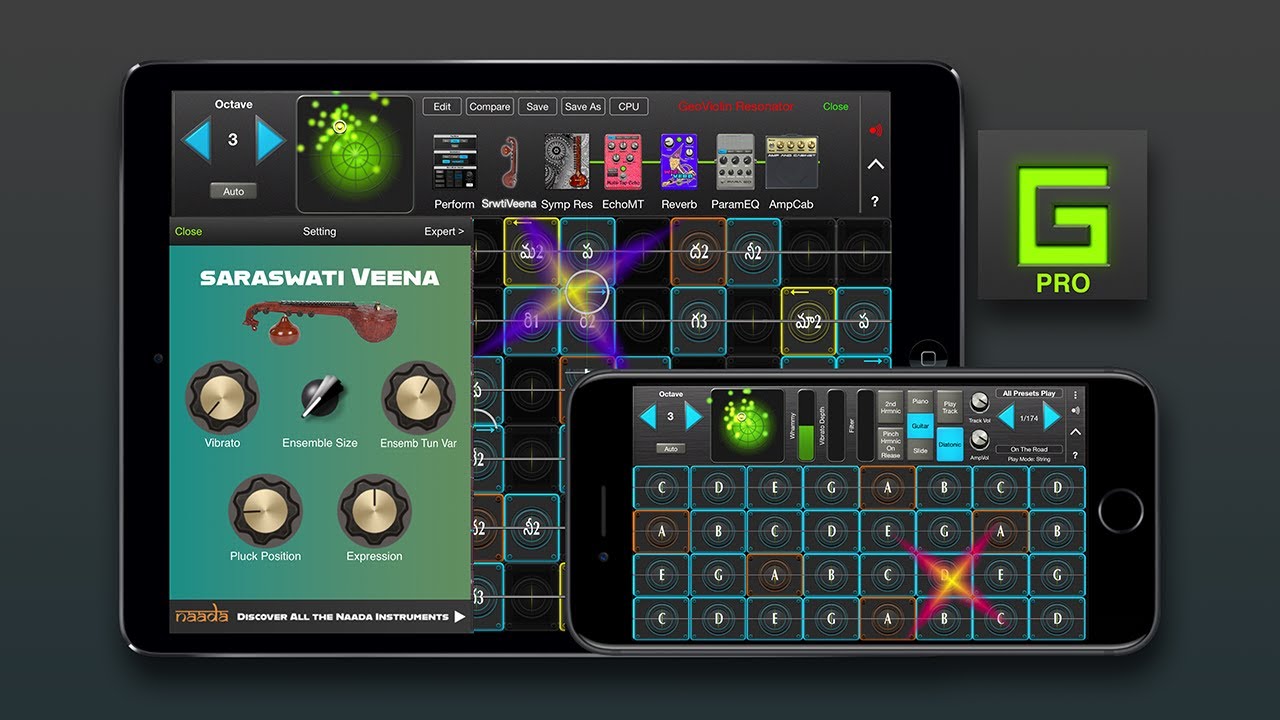
About the GeoSWAM and Naada Instruments
- The GeoSWAM and Naada models that are integrated into GeoShred as In-App-Purchases (IAPs).
- The GeoSWAM instruments are expressive multidimensional instruments. Because the MPE protocol was designed for controlling multidimensional instruments, the GeoSWAM instruments can be performed from the GeoShred Keyboard or MPE controllers only.
- The Naada instruments are expressive multidimensional instruments. They may be performed from the GeoShred keyboard, MPE controllers, Conventional MIDI controllers and Wind Controllers.
- The following 11 GeoSWAM Instruments are integrated into GeoShred as IAPs: GeoTrumpet, GeoBassTrombone, GeoBassFlute, GeoPizzBass, GeoViola, GeoViolin, GeoCello, GeoTenorSax, GeoFlute, GeoClarinet and GeoOboe.
- The following 22 Naada instruments are integrated into GeoShred and are available as IAPs: Bansuri, Bass, Bass Clarinet, Carnatic Violin, Cello, Dizi, Duduk, Erhu, Guan, Gaohu, Nadaswaram, Pan Flute, Pipa, Rudra Veena, Sarangi, Saraswati Veena, Sarod, Shehnai, Sitar, Suona, Viola and Zhonghu
- The GeoSWAM and Naada instruments are offered for sale as IAPs. For GeoShred Pro, Play and Control they are $14.99 USD each. For GeoShred Studio on the Mac they are $50.00 USD each. There are also discounted Collections available.
- Note: All prices are in US Dollars (USD). Apple sets the local territory price and may add additional local charges such as VAT, GST, HST. Prices may vary on a daily basis due to market driven international exchange rates. Always check the store in your territory for the local price.
GeoShred's Stomp Boxes and Control Effects [PRO][Studio]
Getting Help
×
Get our apps: GeoShred Studio for macOS → | Naada Plugins for Windows →